

Reels vs. Static Post: Which Should You Choose?
- Noor Ul Ain Tahir
- Sep 6, 2023
- 5 min read


Social media channels started out as a form of entertainment for people. But now they have evolved so much and are a source of earning for many influencers. As the number of influencers is increasing, the algorithms are becoming tough as well. The reason for this is both good and bad. It is good because this will filter out the influencers who are truly out there to serve their audience. Bad because this increases the competition so much that many genuine ones also get left out.
Those who keep themselves updated and have a great community are the ones who are able to survive. It gives a tough time to brands as well because people are used to buying stuff online and they find Instagram shops more reliable than any other. So, to make things easier, the platform switches between the usefulness of static posts and reels.
That raises another question, are reels better or static posts? Brands and influencers are troubled by this question. But if you don't figure it out in time, that doesn't mean the Meta platforms will make your posts disappear. There is a way to tackle this problem and we'll tell you how. But first, let's learn the difference between posts and reels.
Reels
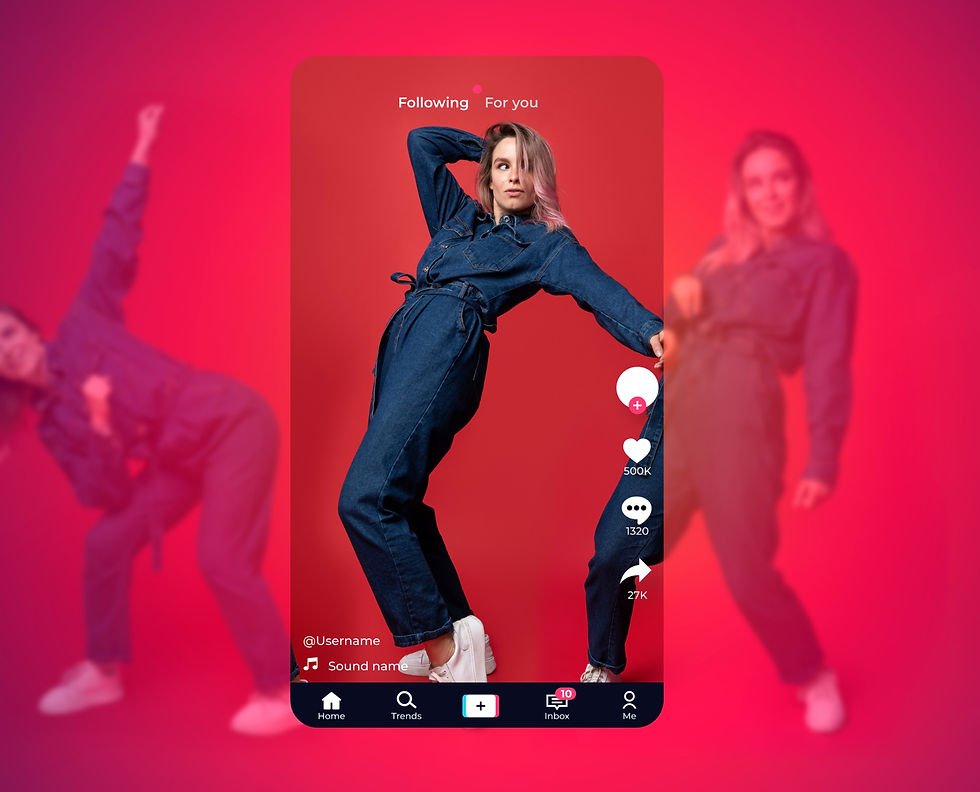
Any kind of video, whether short or long posted on the platform is called a Reel. Facebook gives you the option to differentiate between a video and a reel but Instagram posts all videos as reels.
You can post a maximum of 90-second video on Instagram while Facebook doesn't have that kind of restriction. The video resolution has to be 1080x1920 pixels so that it fits all types of devices. Both platforms come under the same parent company so the dimensions are the same for both. Facebook doesn't have any demands for dimensions but if you're posting through Meta Business Suite, you have to take care of the dimensions and resolutions.
Instagram has also made a dedicated space for your reels. So, if you have a grid going on and don't want to mess it up, you can put up your reels in the reels feed and your audience can look through that.
When reels were first launched, it only allowed a 15-second video. But as of now, you can upload a 90-second video. It is challenging to do something creative in that short time span but that's how long people actually prefer a video to be. So, if Instagram did increase the time, your audience's patience won't increase with it.
Influencers and brands prefer making reels because it gives them the following freedom of creativity:
Seamless transitions
Effects and filters that enhance your reels
Different text and font options
Interactive sticker selection
Wide variety of audio and songs available, some of which are royalty-free
2200 characters of text and emojis
Though the time duration for reels is short you have a lot of options to enhance and make your reels creative and interactive as much as possible.
Static Posts
Static posts are images that appear on the feed or grid. The dimensions Instagram prefers are either 1080x1080 or 1080x1350 pixels. Anything other than that and you might have to fix it or Instagram will crop the image on its own. There are a lot of different applications online that will help you crop the picture according to your required dimensions without messing up the photo.
Still images might seem boring but digital marketers have been quite creative with their placing. You know Instagram shows your profile as grids, right? So, the profile handlers arrange the images in a way that they completely fit in the 3,6, or 9-grid placing. Let us show you how.

It might seem incomplete or messed up on your feed but it beautifies your profile, you can witness it in the picture above. The images are static but your creativity is free to make this as beautiful as possible!
You can also add multiple pictures at once which is known as "carousels." You can add a process or steps in the carousel to explain something briefly instead of writing long captions or wordy posts. This is a great way to showcase your creativity while conveying your message to the audience.
There aren't many options given by Instagram for static posts than reels but the given ones will enhance your grids and give them a new look.
Adjust the lux through the magic wand tool to enhance the post's look.
Music and sound are available for static posts as well.
Filters to add brightness and clarity to your images.
A variety of editing tools to adjust the brightness, contrast, and color scheme of the image.
Up to 2200 characters of words, emojis, and hashtags to explain what your image is about.
Instagram is your palette to make whatever art you want. The audience wants beauty and your creativity shouldn't be restricted while painting the best picture for your profile!
Reels or Static Posts?
You have learned in detail about how reels and static posts work. To decide which one is preferred for your business and profile, we should distinguish one last thing.
When to Post Reels?
Reels should be posted when you're trying to attract an audience to follow you. Because reels are jam-packed packed with creativity and uniqueness. They are interactive which makes them more attractive to the audience.
You should let all creativity get lost and make the best reel possible. Search through Pinterest and other platforms to get inspiration and make interactive reels. To avoid creativity block, you should set up days for reels so you don't get overwhelmed. Being organized will help you in utilizing your fullest potential.
When to Publish Static Posts?
You should publish posts when you are introducing something new, want to offer a discount, or when you're running an advertisement. Educational content should be done through posts as well in the form of carousels so that it is short and easy to digest. The USP of your product should also be shown through static posts, highlighting each and every quality there is so that the audience gets to know everything about it.
You can utilize grids here and make them as beautiful as you can. Static posts don't have to be boring. You can add light-hearted sarcasm to the texts and use HD images to elevate the quality. Make sure you don't fill the caption with long texts because not everyone reads them. Try to concise your words and fit them in the image. You'll be good to go!
Final Verdict
Posts whatever is your requirement. The algorithm does mess up so try to reshare that post in your story or talk to your audience about it so they know that you are posting and the platform is messing up its appearance. You can make your audience follow your broadcast channel where you can notify them about your new posts. Try to be creative with your posting and let nobody stop you!


Comments